
Download LanSpy – network scanner, IP scanner, local network tool, LAN monitoring, device discovery, network security
Overview
LanSpy is a specialized utility designed for monitoring and analyzing local area networks (LANs). Developed by Jason K. Menard, this tool enables users to scan their network environment and retrieve detailed information about connected devices. Its primary function is to identify active machines, uncover running processes, installed applications, and hardware configurations across the network. LanSpy serves as a practical solution for IT professionals, network administrators, and technically inclined users who require visibility into network activity.
The app addresses common challenges such as device identification, unauthorized access detection, and troubleshooting network performance. By providing comprehensive data on user sessions, network adapters, and disk drives, LanSpy supports proactive network management. Real-world use cases include identifying rogue devices, auditing system resources, and verifying network integrity in small office or home environments. While the developer did not provide additional technical details about its architecture or underlying protocols, the app has remained relevant since its initial release in 2006, suggesting a stable and reliable core functionality.
As a utility within the broader mobile and desktop ecosystem, LanSpy fills a niche role in network diagnostics. Its focus on local network visibility makes it a valuable tool for users seeking to enhance security and operational efficiency. Despite its age, the app continues to serve as a foundational resource for network discovery and monitoring tasks.
Key Features & Functionality
- Intuitive User Interface: LanSpy features a clean, straightforward layout that allows users to input IP addresses or scan ranges without requiring advanced technical knowledge. The interface is optimized for quick access to scan results, making it suitable for both beginners and experienced users.
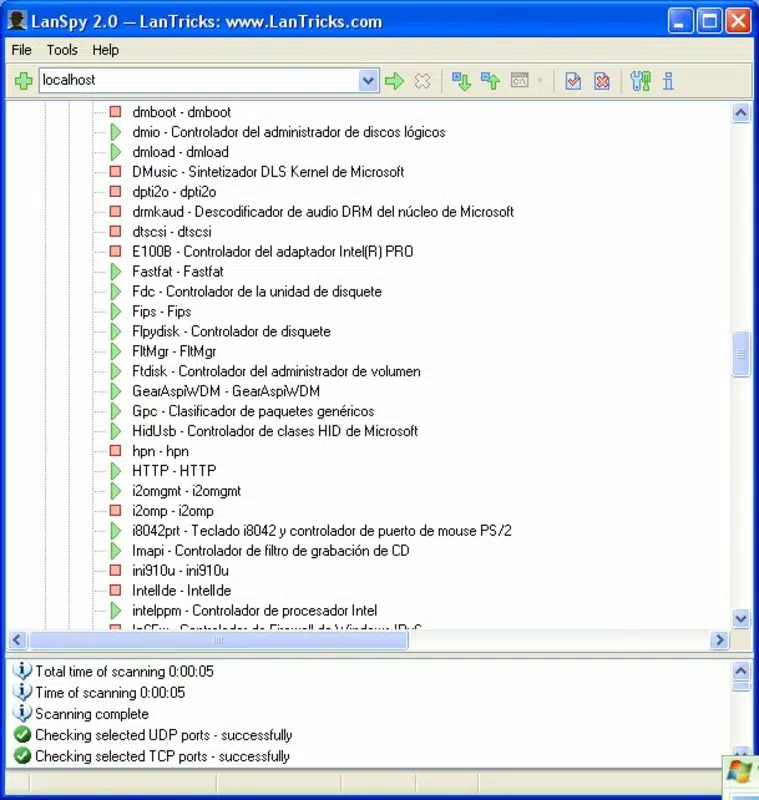
- Comprehensive Device Scanning: The software performs in-depth scans of the local network to detect all active devices. It gathers data on running processes, installed applications, and hardware components, offering a holistic view of each connected machine.
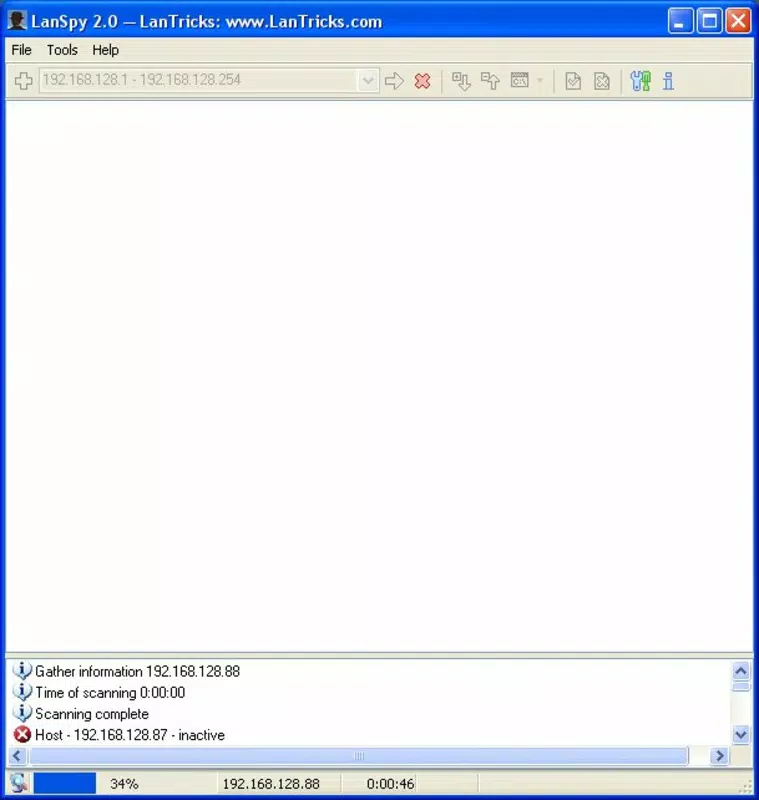
- IP Address Discovery: When the target device’s IP address is unknown, LanSpy can scan a specified range of IP addresses to locate all active devices. This feature streamlines the process of identifying devices without prior configuration.
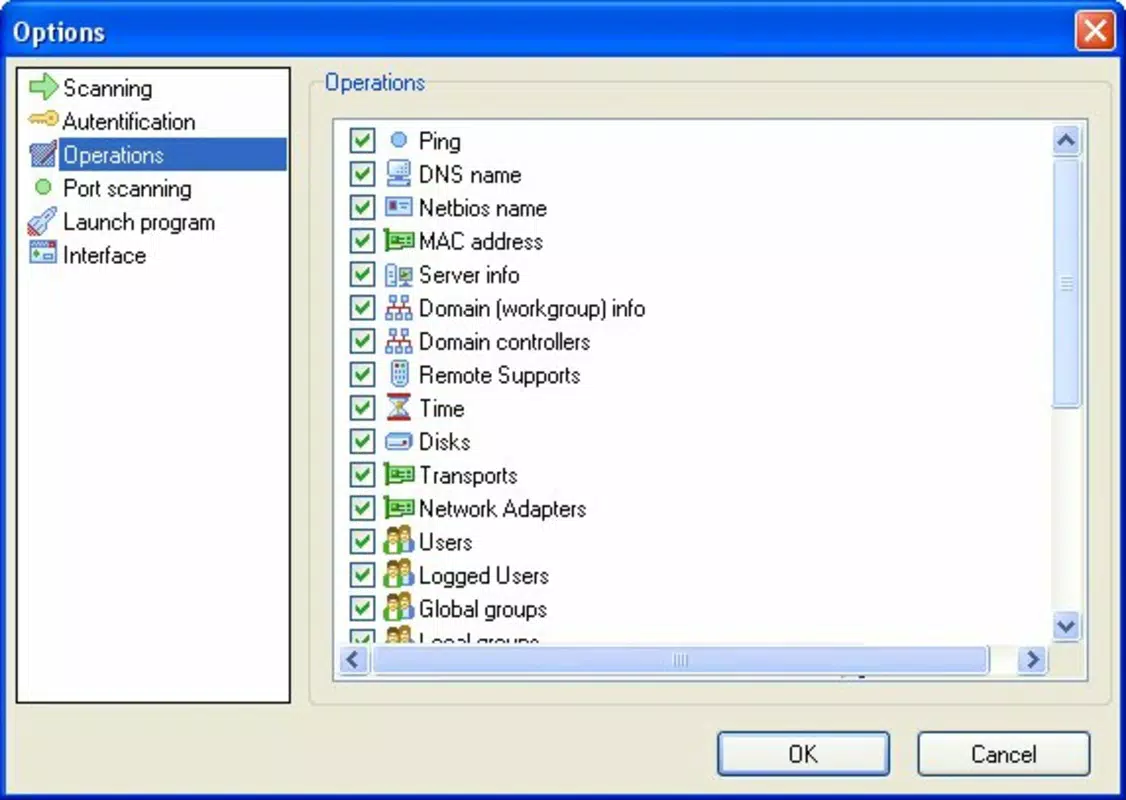
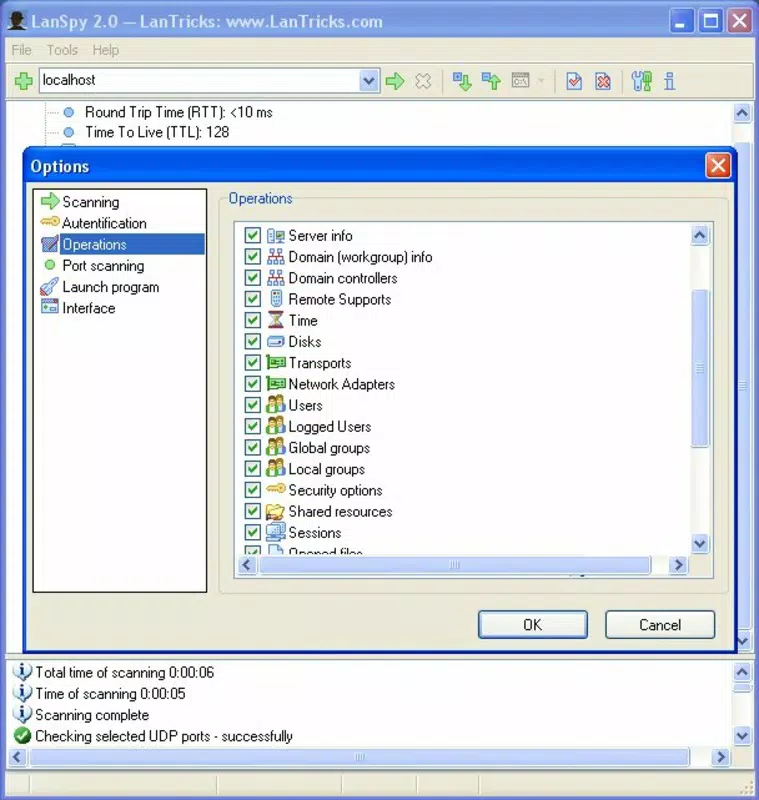
- Extensive Information Retrieval: LanSpy provides detailed insights into user sessions, active applications, network adapters, and disk drives. This level of granularity supports thorough network audits and diagnostics.
- Real-Time Process Tracking: Users can monitor active processes on remote computers in real time, enabling immediate detection of suspicious or unauthorized activities. This functionality is particularly useful for security assessments and troubleshooting performance issues.
For example, a network administrator could use LanSpy to identify an unauthorized application running on a workstation or verify that all devices on the network are compliant with organizational policies. Similarly, a home user might scan their network to detect unknown devices connected to their Wi-Fi. The tool’s ability to deliver actionable insights without complex setup enhances its practical value.
Interface, UX & Performance
LanSpy presents a minimalist interface focused on core functionality. The layout is structured around input fields for IP addresses or scan ranges, with results displayed in a tabular format for easy interpretation. Navigation is linear and predictable, reducing cognitive load and minimizing user errors. The design prioritizes clarity over visual embellishment, which aligns with its utility-driven purpose.
Although the developer did not list formal performance metrics, the app’s lightweight footprint of 1.5 MB suggests efficient resource usage. It is likely optimized for low-latency scanning on standard Windows systems, though specific performance benchmarks were not disclosed. Responsiveness appears consistent across different device categories, though compatibility details were not fully disclosed. Stability is implied by the app’s long-standing presence since 2006, indicating a mature and reliable codebase.
Users can expect smooth interaction during scanning operations, with minimal lag when retrieving data from nearby devices. However, the lack of modern UI enhancements or touch-friendly elements may limit usability on newer devices with high-resolution displays. Overall, the app maintains a functional and dependable user experience tailored to its core purpose.
Platform Compatibility & Technical Requirements
LanSpy is designed for the Windows platform and is compatible with various versions of the Windows operating system. The app’s software version is 1.0.0, and its file size is 1.5 MB, indicating a lightweight installation. The developer did not specify minimum OS requirements or hardware specifications, so users should exercise caution when deploying it on modern systems.
Given its release date in 2006, compatibility with current Windows versions (such as Windows 11) is uncertain without further testing. Users are advised to verify functionality on their specific system before relying on the tool for critical tasks. The absence of official documentation regarding system requirements limits the ability to assess its suitability for older or newer environments. However, the small file size suggests it may run on low-end hardware with minimal overhead.
Pros and Cons
Pros
- Lightweight design with minimal system resource usage
- Efficient IP address discovery through range scanning
- Comprehensive data retrieval on connected devices
- Real-time monitoring of active processes and applications
- Simple interface suitable for non-technical users
Cons
- Outdated release date raises compatibility concerns
- No official documentation on system requirements
- Platform limited to Windows only
- Limited visual feedback or modern UI elements
- No known update history or future development plans
FAQ
Is LanSpy available for Android or iOS?
LanSpy is currently designed for the Windows platform and is not available for Android or iOS devices.
Can LanSpy scan devices without knowing their IP addresses?
Yes, LanSpy can scan a specified range of IP addresses to discover all active devices on the network, making it useful when the target IP is unknown.
Is LanSpy safe to use on a private network?
Yes, LanSpy is intended for use on private, authorized networks. It does not introduce security risks when used responsibly and within legal boundaries.
Does LanSpy require administrative privileges to run?
The developer did not specify whether administrative rights are required. Users should test the app on their system to determine access needs.
How often should I update LanSpy?
As of now, no update history is publicly available. Users should exercise caution and verify the app’s compatibility with their current system.
Final Thoughts
LanSpy remains a functional tool for network monitoring and device discovery, particularly for users operating within Windows environments. Its ability to scan local networks, retrieve detailed device information, and track active processes in real time offers tangible benefits for both technical and non-technical users. While its age presents compatibility challenges, its lightweight design and focused feature set make it a viable option for basic network diagnostics.
For network administrators managing small to medium networks, or for individuals seeking to understand their local network activity, LanSpy provides a straightforward solution. The $10 price point reflects its niche utility and long-standing presence in the utility space. Despite the lack of modern enhancements, its core functionality remains relevant.
Download LanSpy now


